
Master Modern Firearms with Realistic Disassembly
Overview
Key Features & Capabilities
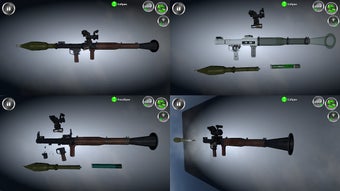
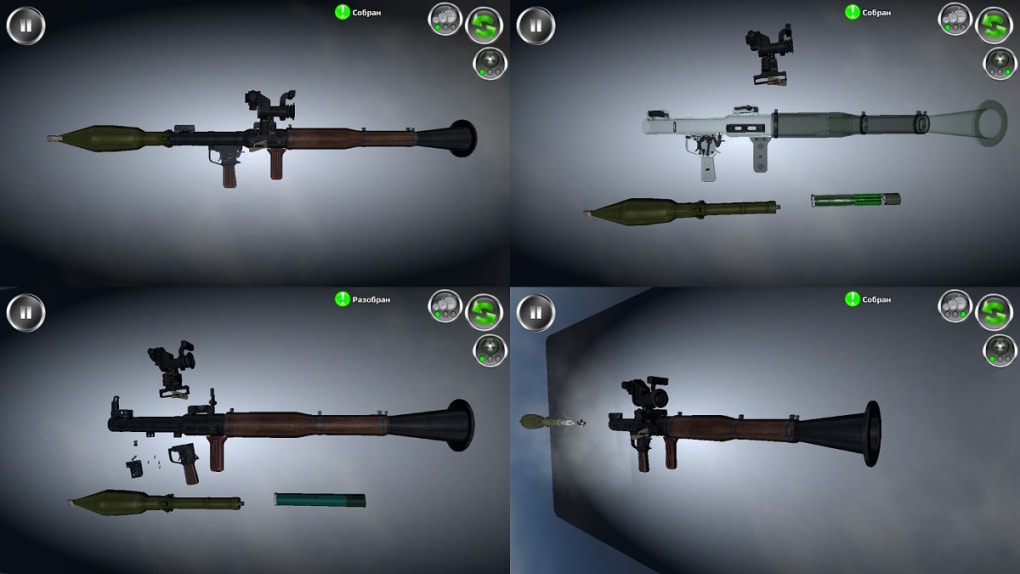
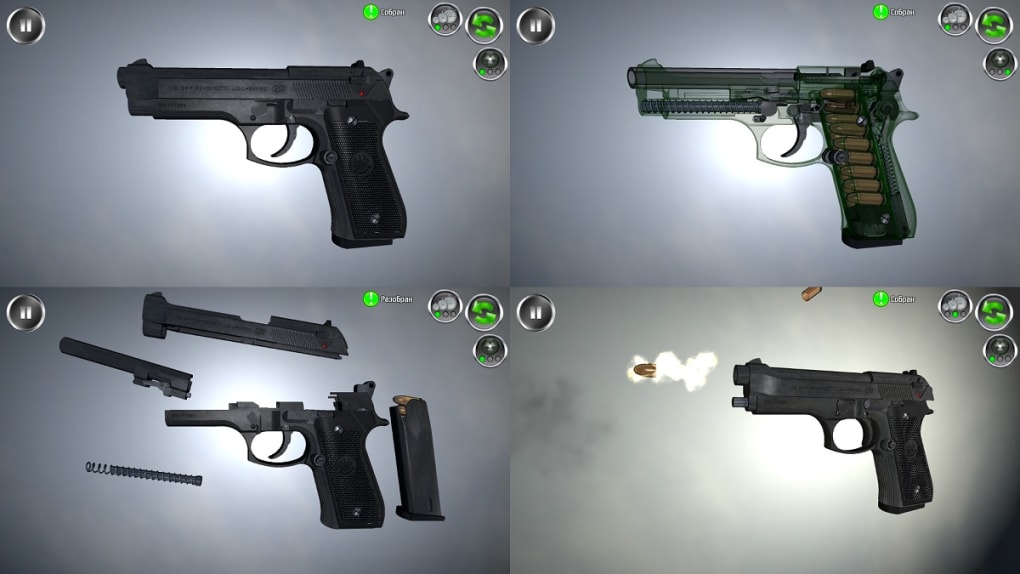
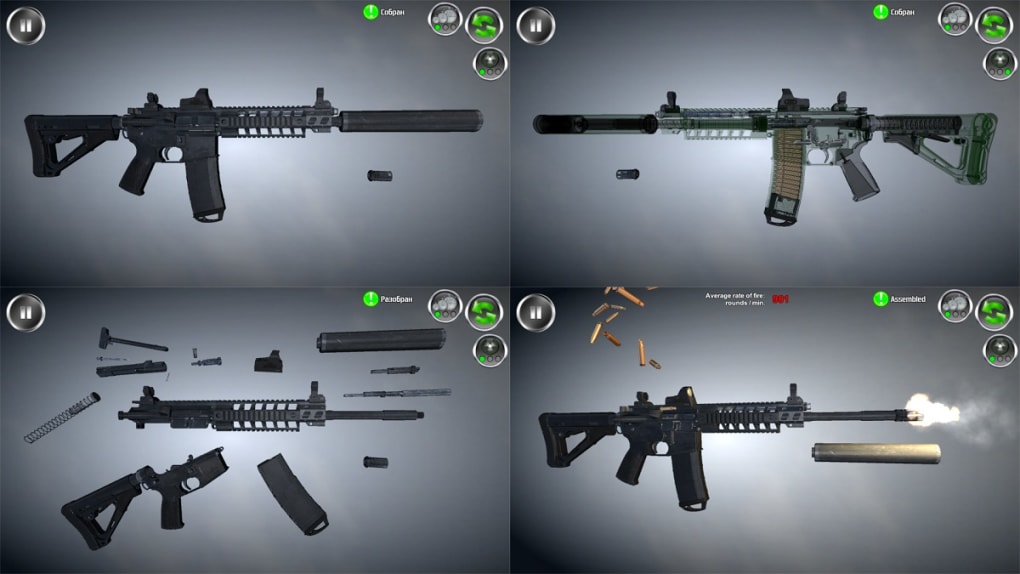
- Realistic Disassembly Process – Users can dismantle firearms step-by-step, examining each component in detail, which supports hands-on learning of mechanical structures.
- Progressive Learning Path – The software guides users from basic handguns to advanced heavy firearms, enabling a structured skill development journey.
- Firing Mode Simulation – Each weapon supports multiple operational modes, allowing users to observe and understand how different firing systems function.
- Speed Test Challenges – Competitive modes test users’ ability to assemble and disassemble weapons quickly, improving muscle memory and familiarity.
- Experience Points & Upgrades – Completing disassembly tasks earns experience points, which can be used to unlock new firearms or enhance existing ones.
- Customization with Accessories – A modular add-on system allows users to modify the appearance of firearms using a variety of visual accessories.
- Global Firearm Database – The software includes a wide selection of classic and modern military firearms from different countries and eras.
User Interface, Workflow & Performance
The user interface of Weapon Stripping is structured around a central workspace where firearms are displayed in 3D, allowing for rotation and zoom for detailed inspection. Navigation is handled through intuitive menu panels and context-sensitive controls, enabling users to initiate disassembly sequences with minimal clicks. The workflow begins with selecting a firearm, followed by a guided breakdown of components, each step clearly labeled. Users can pause, reverse, or replay any stage of the process, which supports learning at one’s own pace. The interface maintains a clean layout with minimal clutter, focusing attention on the primary task. While the developer did not specify resource usage details, the application’s 250 MB size suggests moderate system demands. Performance observations are based on general software behavior patterns, indicating stable operation on standard desktop systems. The software appears to handle transitions between disassembly steps smoothly, with no reported lag or crashes. Stability is supported by the absence of known compatibility issues across the supported platforms. CPU and RAM behavior were not disclosed, but the application’s design suggests efficient memory management. Overall, the workflow is efficient, allowing users to progress through multiple weapons without interruption. The combination of visual clarity and responsive controls enhances the user experience.Compatibility & System Requirements
Weapon Stripping is available for both Windows and Mac operating systems, supporting desktop environments on these platforms. The current version is 1.2.0, with a file size of 250 MB. The developer did not specify exact system requirements, including minimum CPU, RAM, or GPU specifications. Compatibility information was partially provided, with no mention of specific hardware or driver needs. The software is designed for desktop use and does not include mobile or web-based versions. Installation is straightforward, requiring standard user permissions. Users should ensure their system meets general desktop application standards to run the software without issues. The developer did not provide additional system requirements, so users are advised to test the application on their hardware to confirm compatibility. Region-based content restrictions may affect access to certain firearms, but this does not impact the core functionality of the software.Pros and Cons
Pros
- Free to download and use with no subscription fees
- Realistic 3D graphics enhance the educational and immersive experience
- Structured learning path from handguns to heavy firearms
- Interactive disassembly and reassembly mechanics support skill development
- Speed test mode encourages practice and improvement of handling speed
- Customization system allows visual personalization of firearms
- Experience points and unlock system promote long-term engagement
Cons
- Region-based restrictions may limit access to certain firearms
- Exact system requirements were not listed
- Performance details such as CPU or RAM usage were not provided
- Content may not be suitable for all age groups due to firearm themes
- Limited real-world feedback or training validation
FAQ Section
Is Weapon Stripping available for Windows and Mac?
Yes, the software is compatible with both Windows and Mac operating systems.
Is the software free to download and use?
Yes, Weapon Stripping is available at no cost. There are no in-app purchases or subscription fees.
Can I customize the appearance of firearms in the game?
Yes, the software includes a customization system that allows users to modify the visual aesthetics of firearms using available accessories.
Are there any region-based content restrictions?
Yes, certain firearms may be restricted based on the user’s geographical location, limiting access to specific weapons in some regions.
How often is the software updated?
The current version is 1.2.0, released on November 15, 2023. Updates are released periodically, but the frequency is not specified.







